Turn low-res product photos into studio-grade 4K assets.
The AI photo enhancer engineered for e-commerce catalogs. Drag the slider below to test real-time texture recovery or drop your own product photo to preview instantly.
Diamond facets, light refraction & precious metal polish
Built for High-Volume E-Commerce Catalogs
Automate resolution enhancement and texture reconstruction across thousands of SKUs without manual retouching workflows.
Batch Automation
Upscale your entire catalog in minutes. Our distributed processing pipeline is built to handle high-volume queues efficiently.
CMS Integrations
Directly sync with Shopify and WooCommerce. Automatically enhance and upscale product imagery before storefront publishing.
Studio Quality
Deliver high-resolution output perfect for retina displays, marketplace requirements, and high-converting product zoom.
Engineered for your
existing workflow.
Don't change how you work. ProductImageUpscale AI sits silently in the background, automatically enhancing every product photo you upload to your CMS.
Install directly from Shopify — no store URL needed. After installing, open the app and sign in to link your account.
How it works
Install our Shopify app, open any product page, click "More actions" → "Product Image Upscale AI", choose your scale (2x, 4x, or 8x), and upscale images in place.
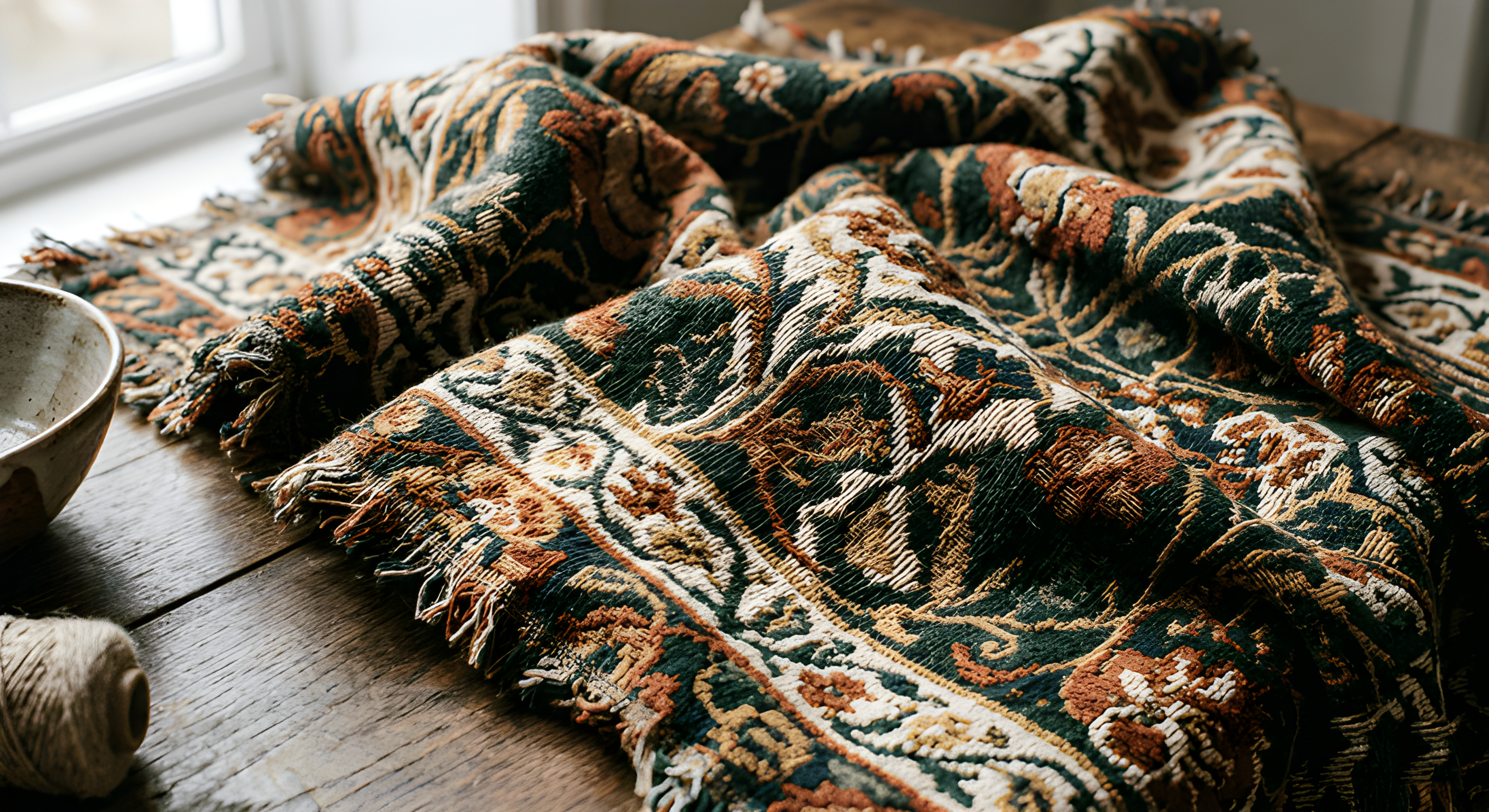
Linen Cotton Trench Coat
SKU: CT-9428-BEI • Catalog Image #1
Got Questions?
Frequently Asked Questions
Quick answers to the questions we hear most often.
Yes — to a degree that surprises most users. Our AI photo enhancer and image enhancer models are trained specifically on e-commerce product imagery and learn to predict the high-frequency texture patterns (fabric weave, leather grain, jewelry facets) that were present in the physical product but lost during camera digitization or image compression. The result goes well beyond interpolation.
Each image enhancement consumes one credit. Our permanent Free plan gives you monthly credits — no credit card required — so you can test photo quality enhancement on your own products first. Upgrade to Pro for more credits each month to handle your product catalog.
Yes. Connect your store from the Integrations page and browse your product catalog directly. Select the images you want to enhance, process them, and push the results back to your live listings — no manual downloading or uploading required.
A single image typically processes in under 15 seconds. Batch jobs are processed in parallel and usually complete within 2–4 minutes depending on queue size. When your results are ready you can download them or push them directly to your store.
Never. Your uploaded images are processed solely for the enhancement task you requested and are never used to train, fine-tune, or improve any AI model. Your product photography is your intellectual property and remains private.
No — ProductImageUpscale AI is a photo enhancer and image upscaler, not a deblurring tool. It takes clear, sharp images that are simply too small in resolution and increases their resolution to 2x, 4x, or 8x while enhancing detail and image quality. If your source image is blurry or out-of-focus, the enhanced result will still be blurry at the larger size. For best results, start with the sharpest original you have.
We stand by our quality and offer a free plan so you can evaluate results before spending anything. If you experience a technical failure of the Service, reach out via our contact page and we will assess your case. Please review our Terms of Service for the full refund policy.